Owner form · Preview
How owners enter their car
Preview only. Nothing here is saved. After buying a badge, an owner taps it, sets a 4-digit PIN, and sees this same form pre-loaded with their car's details. Each section is optional. They pick what to show on the public page.
Next steps in the real flow
A walk-through of what happens after the fields above are filled in. Try the controls — nothing is saved.
1
Upload photos
Drag in shots from each angle. Pick the hero photo later.
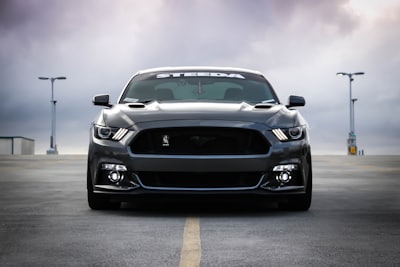
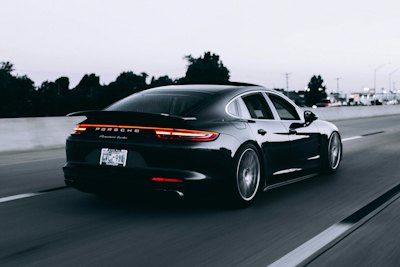
Drag files anywhere, or pick from camera roll5 photos added
2
Add awards, shows, and clubs
Build the car's résumé. Each line shows on the public page.
Awards
- AACA Senior — 2019
- Best in Class, Cumberland Concours — 2021
Shows attended
- Amelia Island Concours — 2018
- Pebble Beach Tour d'Elegance — 2022
Clubs
- Cadillac & LaSalle Club
3
Set a recovery email and publish
The badge goes live the moment you publish — tap-ready, anywhere in the world.